How to find the MAC Address |
|
| [ Home ] [ About Us ] [ Contact Us ] [ Services ] [ Support ] [ Portfolio ] | |

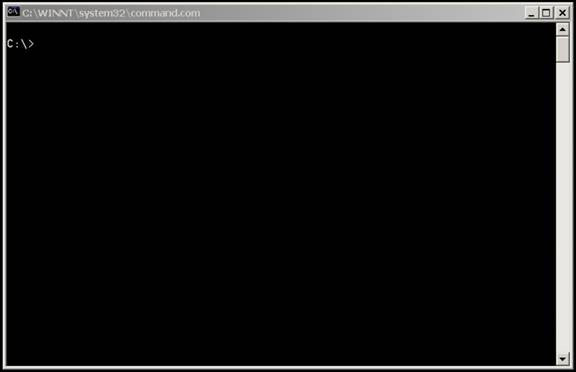
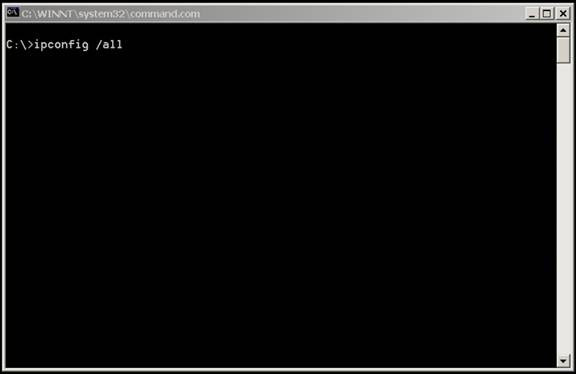
To find MAC address, click Start , Run and type Command then press Enter or click OK to bring up a DOS prompt.
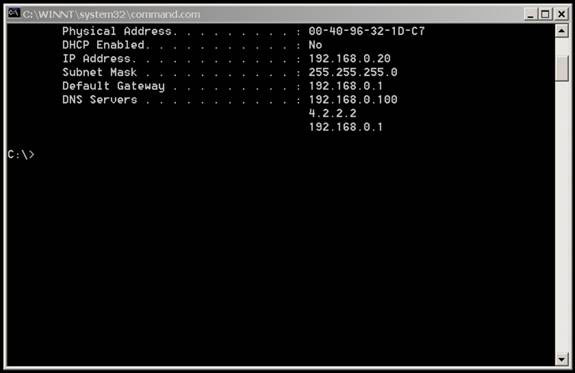
The MAC Address is the Physical Address:
To close this box, type exit and press Enter. |
[ Home ] [ About Us ] [ Contact Us ] [ Services ] [ Support ] [ Portfolio ]